

Tired of preset flashing modes that get old after five minutes? Bluetooth LED glasses let you take full control—custom patterns, scrolling text, music-reactive effects, color tweaks—all from your phone. No more fumbling with tiny buttons in the dark!
In this easy tutorial, we'll walk you through connecting and mastering your Coreida Bluetooth LED glasses using the dedicated app. Follow along, and you'll be syncing to the beat or displaying custom messages in minutes. (Pro tip: Pair this guide with our quick demo video on the product page for visual sync!)
What You'll Need
- Your Coreida Bluetooth LED glasses (fully charged via magnetic fast charger)
- Smartphone (iOS or Android)
- The Coreida LED app (download from App Store or Google Play—search "Coreida LED" or scan the QR on the packaging)
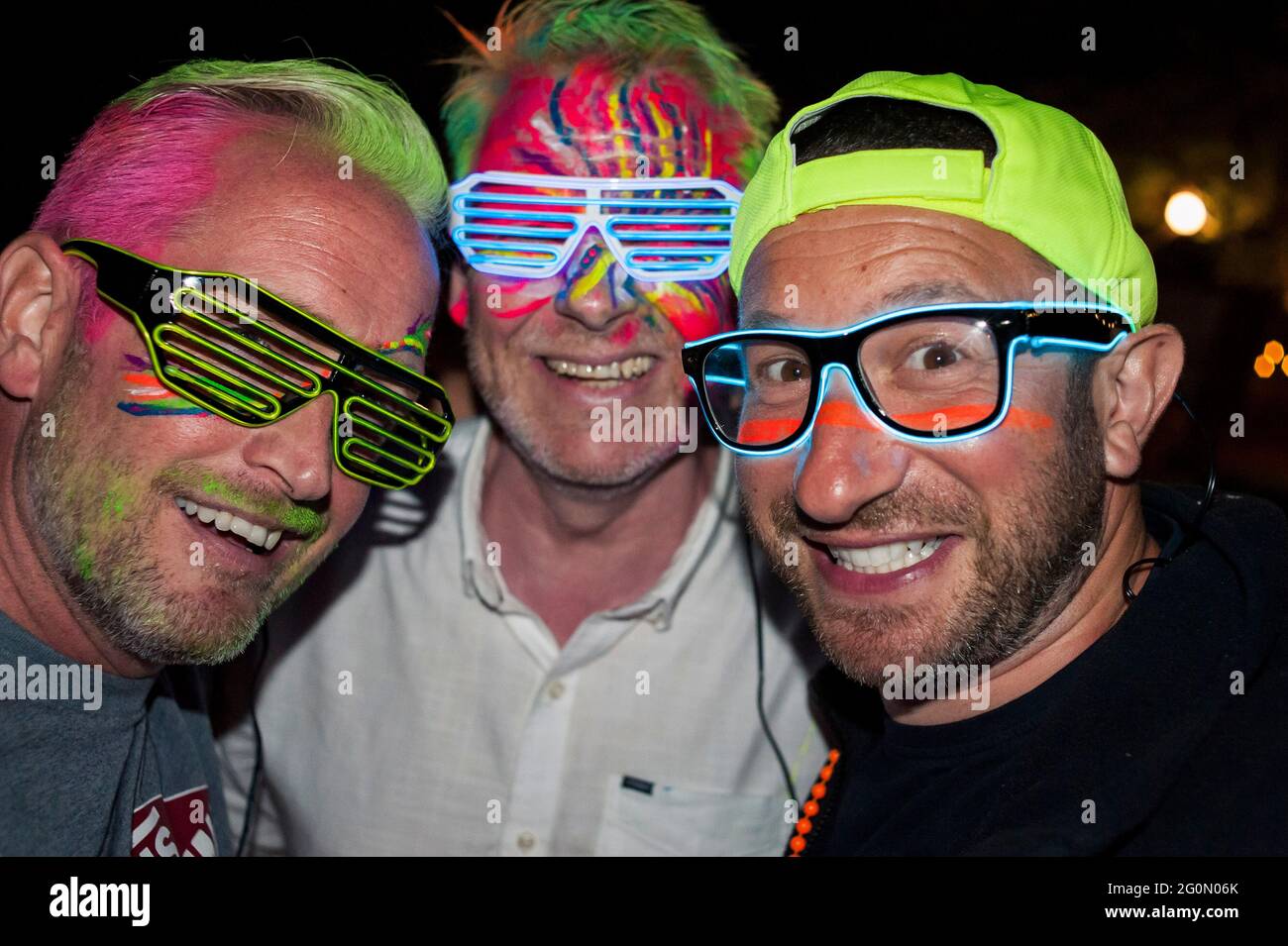
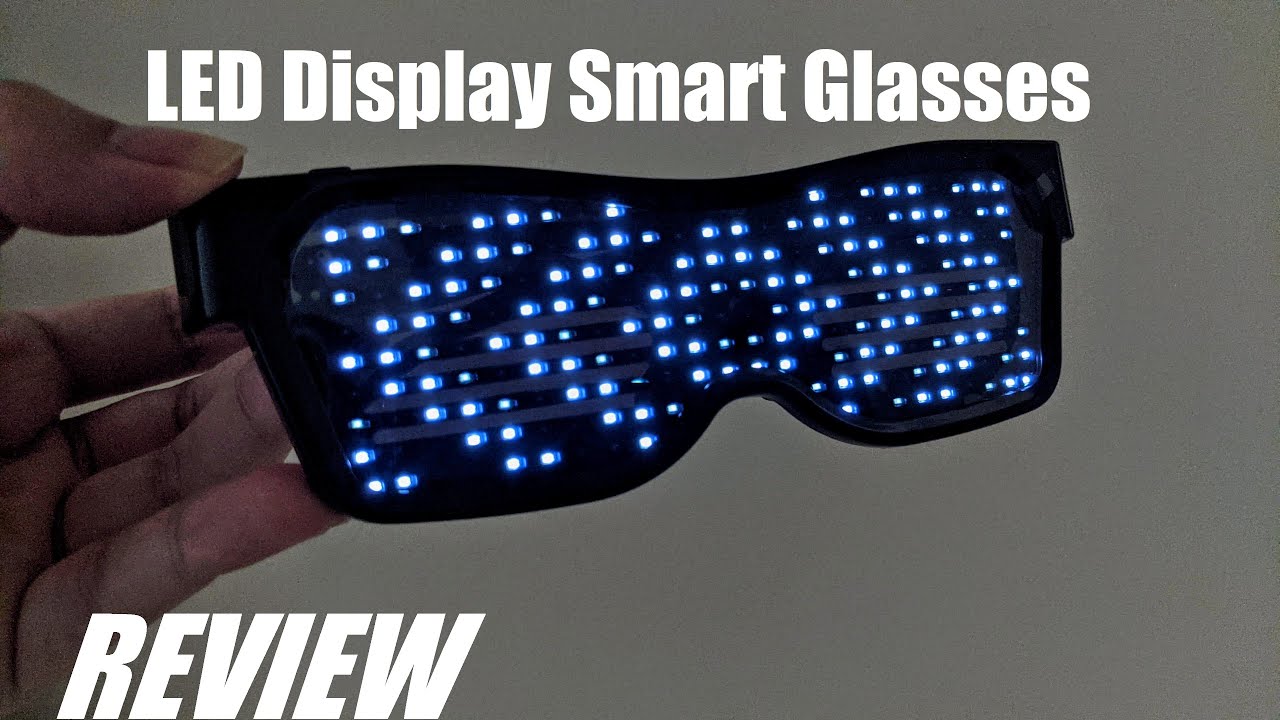
Step 1: Power On Your Glasses Press and hold the power button (usually on the side frame) for 3–5 seconds until the LEDs flash or you see a startup animation. The glasses enter pairing mode automatically (blinking blue light or pattern). Keep them close to your phone (within 10 feet) with Bluetooth enabled.
Step 2: Download & Open the App Install the Coreida app if you haven't already. Open it and grant Bluetooth & location permissions (required for stable connection). Tap "Connect" or the glasses icon—your Coreida model should appear in the list (e.g., "Coreida Glow" or similar). Select it and tap "Pair" or "Connect." A confirmation animation on the glasses means success!


Step 3: Explore the Main Controls Once connected, the app dashboard shows real-time battery, brightness slider, and mode tabs:
- Light / Color: Pick solid colors, gradients, or rainbow waves. Adjust brightness to save battery during long nights.
- Text: Type messages that scroll across the lenses—perfect for "Party Animal," names, or funny phrases. Customize speed, font style, and direction.
- Patterns / Animations: Browse built-in effects (hearts, fireworks, waves) or create your own via the editor. Drag to design pixel art or simple sequences.
- Music Sync: Turn on mic mode—the glasses react to beats, bass drops, or any sound around you. Adjust sensitivity for perfect pulsing at raves or clubs.
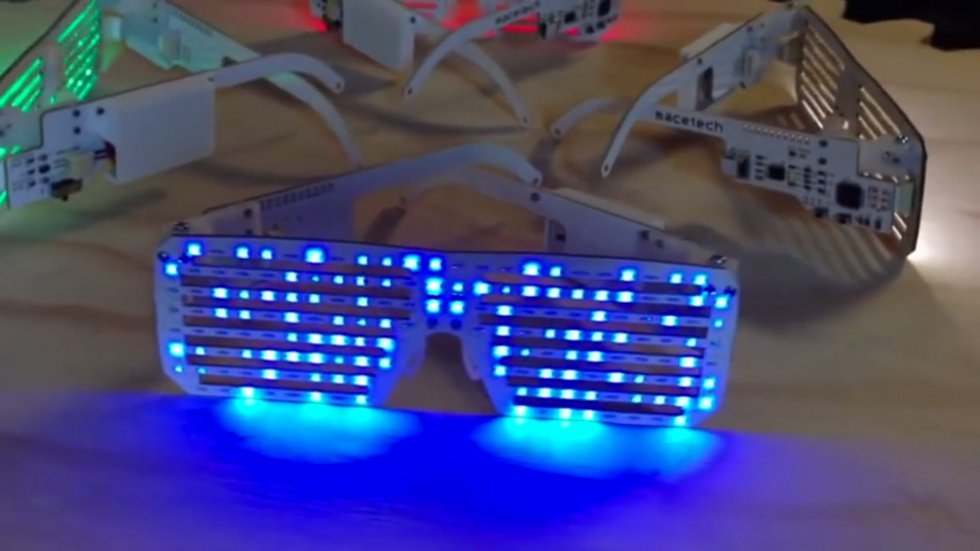
Step 4: Advanced Tips for Epic Glow
- Group Sync: Connect multiple Coreida pairs to the same phone—coordinate lights with friends for synchronized festival magic.
- Save Favorites: Star your best custom patterns/texts for quick access mid-party.
- Battery Saver: Use medium brightness + static modes for 10+ hours; music-reactive drains faster but looks insane.
- Troubleshooting: If connection drops, restart Bluetooth on your phone, re-enter pairing mode on glasses, or move away from Wi-Fi interference.

Why Coreida Bluetooth Glasses Make Control So Fun Coreida's app is intuitive, responsive, and packed with creative tools—music reactivity feels alive, text scrolling is crisp, and magnetic charging means quick top-ups without hassle. Built for comfort during all-night wear, they're the go-to for ravers who want more than basic blinkers.
Ready to unlock full customization and never settle for presets again?
Browse the Coreida Bluetooth LED glasses collection now → https://coreida.com/collections/led-glasses
[Shop today – grab yours and start creating your glow signature!]
Level up your vibe—one tap at a time. Light it up! ✨